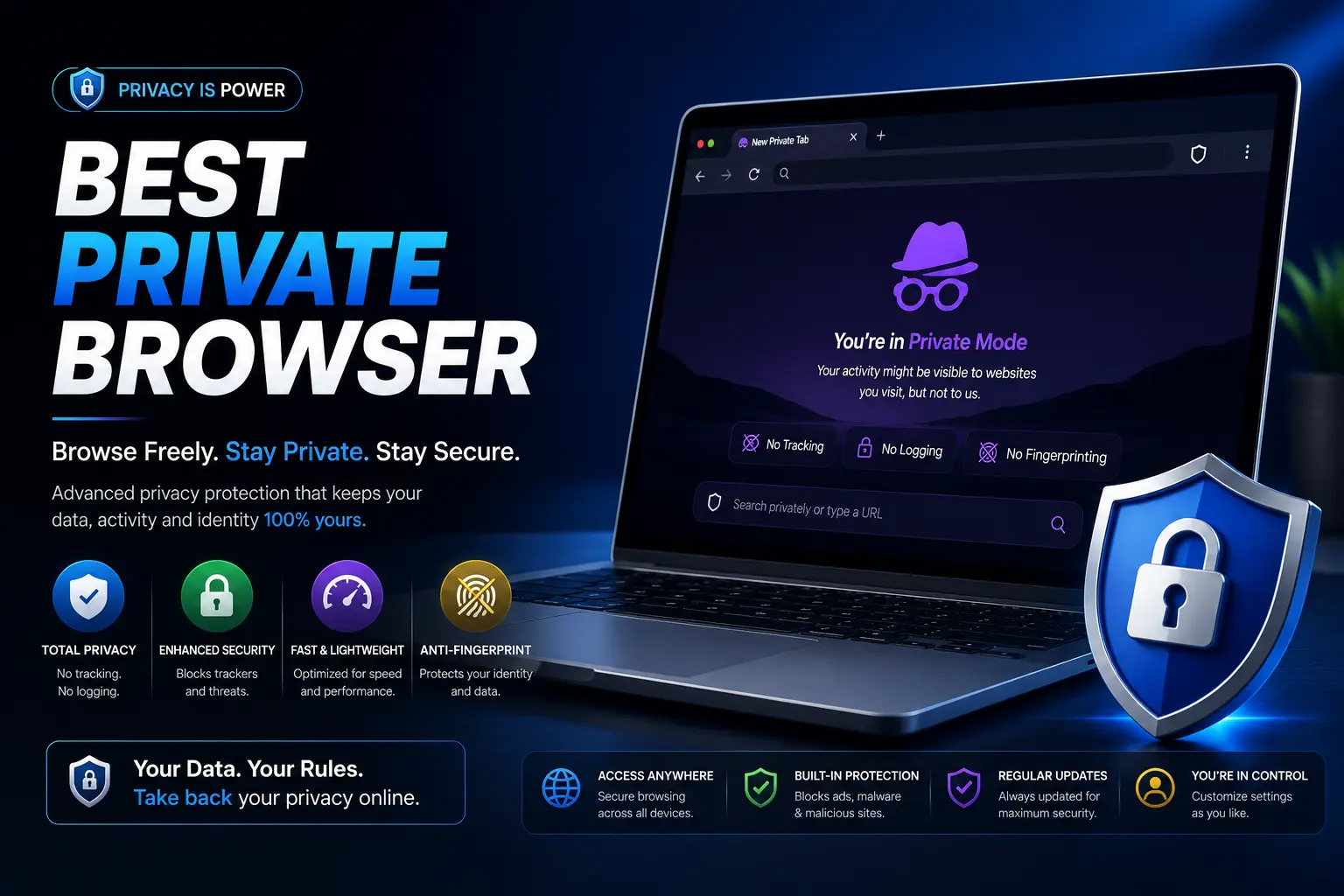
Searching for the best private browser usually means one of two different things, and mixing them up leads people to the wrong pick. Some people want a browser that simply stops ads and trackers from following them around the internet. Others are asking a bigger question — the most secure browser that can resist fingerprinting, hide their identity, or stand up to a genuinely determined snooper.
Both are valid goals, but they call for different tools. This guide separates the two clearly, ranks the strongest options for each, and explains exactly what each browser blocks — instead of just repeating the same five names every privacy roundup lists without saying what actually sets them apart.
Table of Contents
Privacy vs. Security: Two Different Questions
Before picking a browser, it’s worth understanding the difference between these two related but distinct goals:
- Privacy means limiting how much data companies — advertisers, data brokers, the browser maker itself — collect about your browsing habits.
- Security means resisting attempts to identify, track, or exploit you, including advanced techniques like device fingerprinting or targeted surveillance.
A browser can be excellent for privacy without being the most secure option against a determined, resourced adversary, and vice versa. Most people searching for what is the most private browser actually want the first category — reduced tracking and data collection for everyday use. A smaller group genuinely needs the second — resistance against sophisticated tracking or surveillance. Knowing which one you actually need saves you from over-engineering (or under-protecting) your setup.
The Best Private Browser for Everyday Use
For most people, everyday privacy means blocking ads, trackers, and cross-site tracking automatically, without manual configuration.
| Browser | Tracker Blocking | Setup Required | Best For |
| Brave | Strong, automatic | None | Daily driver with Chrome-level compatibility |
| Firefox (with settings adjusted) | Strong once configured | Some | Users who want an open-source, non-profit-backed option |
| DuckDuckGo Browser | Strong, automatic | None | Simplicity — zero configuration needed |
Brave: The Default Recommendation
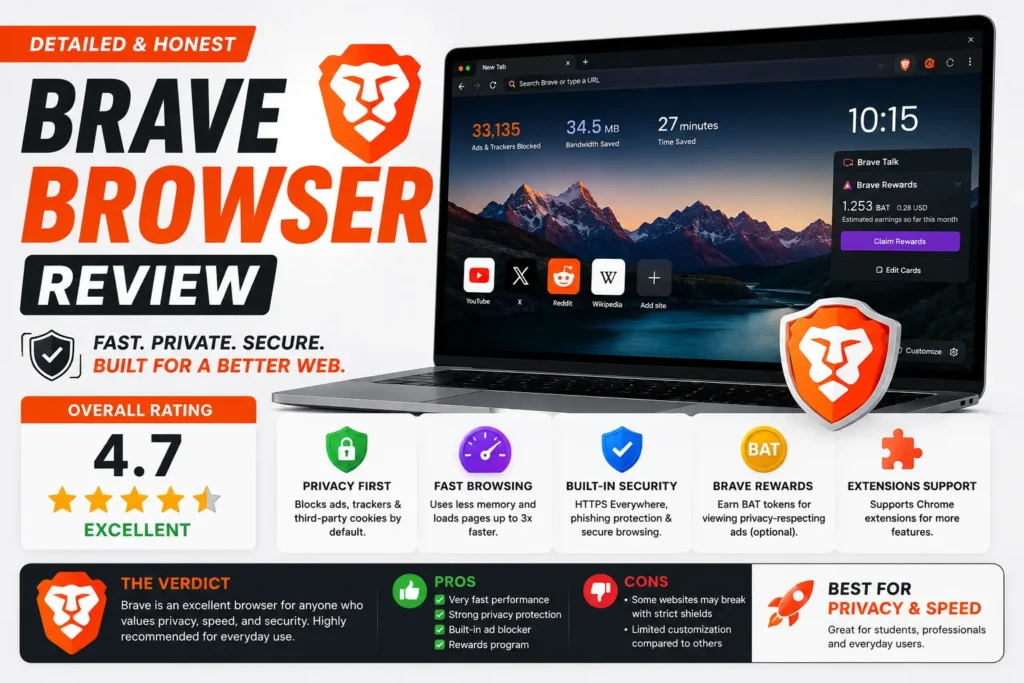
Brave blocks ads and trackers from the moment you install it, with no settings to hunt through. It’s built on Chromium, the same engine behind Chrome, so extensions and websites behave exactly as you’re used to — you’re not sacrificing compatibility for privacy. It also includes a built-in Tor mode for individual private tabs, giving you extra anonymity for specific sessions without switching browsers entirely.
Firefox: Privacy With More Configuration
Firefox is the last major browser built by a non-profit rather than an advertising or hardware company, which shapes its whole philosophy. Out of the box, its default settings are only moderately private — genuinely strong privacy requires adjusting settings like Enhanced Tracking Protection to “Strict” and reviewing its telemetry options. Once configured, though, it’s a fully capable, transparent, open-source option, meaning anyone can inspect its code for hidden behavior.
DuckDuckGo Browser: Zero-Configuration Simplicity
Built by the same company behind the privacy-focused search engine, this browser blocks hidden trackers automatically and grades each site’s privacy practices for you. It’s the easiest entry point for someone who wants privacy without learning any settings menus.
The Most Secure Browser for Maximum Anonymity
If your concern goes beyond advertisers — for example, needing genuine anonymity or resistance to fingerprinting — these options go significantly further, generally at some cost to speed or convenience.
| Browser | Anti-Fingerprinting | Anonymizes Your IP | Speed Tradeoff |
| Tor Browser | Strong | Yes (routes through Tor network) | Significant |
| Mullvad Browser | Strong | Only if paired with Mullvad VPN | Moderate |
| LibreWolf | Strong | No (needs separate VPN) | Minimal |
Tor Browser: The Gold Standard for Anonymity
Tor routes your traffic through multiple encrypted relays operated by volunteers around the world, making it extremely difficult to trace your activity back to your real location or identity. It’s been the reference standard for anonymous browsing since the early 2000s. The tradeoff is real: pages load more slowly, and some websites actively block traffic coming from the Tor network.
Mullvad Browser: Tor-Level Privacy Without the Tor Network
Developed jointly by Mullvad VPN and the Tor Project, Mullvad Browser applies the same anti-fingerprinting techniques as Tor Browser but connects through your normal internet connection rather than the Tor network — making it faster while keeping fingerprinting resistance strong. On its own, it doesn’t hide your IP address; pairing it with a VPN (Mullvad’s own or otherwise) is what completes that protection.
LibreWolf: A Hardened Firefox for Advanced Users
LibreWolf is a community-maintained version of Firefox with privacy and security settings hardened by default and telemetry stripped out entirely. It’s a strong pick for technically confident users who want Firefox’s familiarity with none of the default data collection, though it requires slightly more hands-on management than Brave or DuckDuckGo.
Is Incognito or Private Mode the Best Private Browser Option?
No — and this is the single most common misunderstanding in this entire topic. The built-in “Incognito” or “Private Browsing” mode in Chrome, Edge, Firefox, and Safari does exactly one thing: it stops your browsing history from being saved locally on your device.
What it does not do:
- Block ad trackers or third-party cookies by default.
- Hide your activity from your internet provider or network.
- Prevent websites from fingerprinting your device.
- Anonymize your IP address.
If you’re specifically searching for the best incognito browser, understand that “incognito” describes a mode, not a browser category — and the mode itself offers far less protection than a browser built around privacy from the ground up. A private browsing session in Brave, which combines the mode with automatic tracker blocking, offers meaningfully more protection than the same private mode in Chrome.
Common Mistakes People Make Choosing a Private Browser
- Assuming Incognito mode is enough. It hides local history only — nothing about tracker or IP protection changes when you open a private window in a non-privacy-focused browser.
- Picking Tor for everyday browsing. Tor’s anonymity is powerful but overkill (and noticeably slower) for typical daily use — a browser like Brave covers most people’s actual needs.
- Staying logged into Google or Facebook while browsing privately. Being signed in lets that company track you across sites regardless of which browser or mode you’re using.
- Never checking default search engine settings. Pairing a privacy browser with a tracking-heavy default search engine cancels out a meaningful part of the protection.
- Assuming “most secure” and “most private” always point to the same browser. As covered above, these are related but different goals — pick based on which one you actually need.
Best Practices for Real Browser Privacy
- Match the tool to the actual threat: Brave or Firefox for everyday tracking, Tor or Mullvad for genuine anonymity needs.
- Pair your browser with a privacy-respecting search engine rather than one that profiles your searches.
- Add a reputable VPN if hiding your IP address from your network provider specifically matters — no browser alone accomplishes that.
- Review and limit extensions, since every added extension is another piece of software with access to your browsing.
- Keep whichever browser you choose updated, since privacy and security patches are released continuously.
Frequently Asked Questions
What is the best private browser overall?
For most everyday use, Brave offers the strongest combination of automatic tracker blocking and full compatibility with existing websites and extensions. For maximum anonymity, Tor Browser or Mullvad Browser go further, at some cost to speed.
What is the most secure browser available?
Tor Browser and Mullvad Browser are generally considered the most security-hardened mainstream options, since both specifically resist fingerprinting techniques that go beyond standard cookie and tracker blocking.
Is Incognito mode the same as a private browser?
No. Incognito and similar private modes only stop your browsing history from being saved locally on your device — they don’t block trackers, hide your IP address, or stop fingerprinting the way a dedicated privacy browser does.
Is Brave really more private than Chrome?
Yes, meaningfully. Brave blocks ads and trackers automatically by default, while Chrome does not, and Chrome’s parent company relies on advertising data as a core part of its business model.
Do I need Tor Browser, or is Brave private enough?
For most people, Brave is sufficient — it blocks trackers effectively for everyday browsing. Tor is worth the speed tradeoff only if you have a specific need for stronger anonymity, such as avoiding location or identity tracking by a determined party.
Does a private browser protect me from my internet provider seeing what I visit?
Only partially. A private browser can encrypt more of your activity and block trackers, but fully hiding your browsing from your internet provider generally requires pairing your browser with a VPN as well.
Final Thoughts
There’s no single best private browser that fits everyone, because “private” covers two different goals: blocking everyday tracking, and resisting deeper identification techniques. Brave and DuckDuckGo Browser cover the first goal with zero setup. Tor and Mullvad Browser cover the second, at some cost to speed. Start by being honest about which one you actually need — most people will find Brave more than enough, while a smaller group genuinely benefits from going further.