Ask ten people what the best browser is, and you’ll likely get ten different answers — because the honest truth is there isn’t one universal winner. The right browser depends on what you actually value: raw speed, maximum privacy, battery life on a laptop, or seamless syncing across every device you own.
This guide skips the “just use Chrome” default answer and instead breaks down exactly how the major browsers differ, which one fits which type of user, and the details competing roundups tend to skip — like how much memory each browser actually uses and what “private browsing” really protects you from.
Table of Contents
What Actually Makes a Browser “Best”?
Before comparing specific apps, it helps to understand the criteria that matter, since different browsers win in different categories:
- Speed — how quickly pages load and how responsive the interface feels, even with many tabs open.
- Privacy — how much of your activity the browser or its parent company collects and uses.
- Security — how well the browser protects you from malicious sites, scams, and software exploits.
- Resource usage — how much RAM and battery the browser consumes, especially on laptops.
- Extensions/add-ons — small add-on programs that add features like ad blocking or password management.
- Sync — the ability to carry your bookmarks, passwords, and open tabs across your phone, tablet, and computer.
No browser leads in every single category simultaneously. Chrome, for example, tends to win on extension support and cross-device sync but loses ground on privacy and battery efficiency. Understanding this tradeoff is the real key to picking correctly.
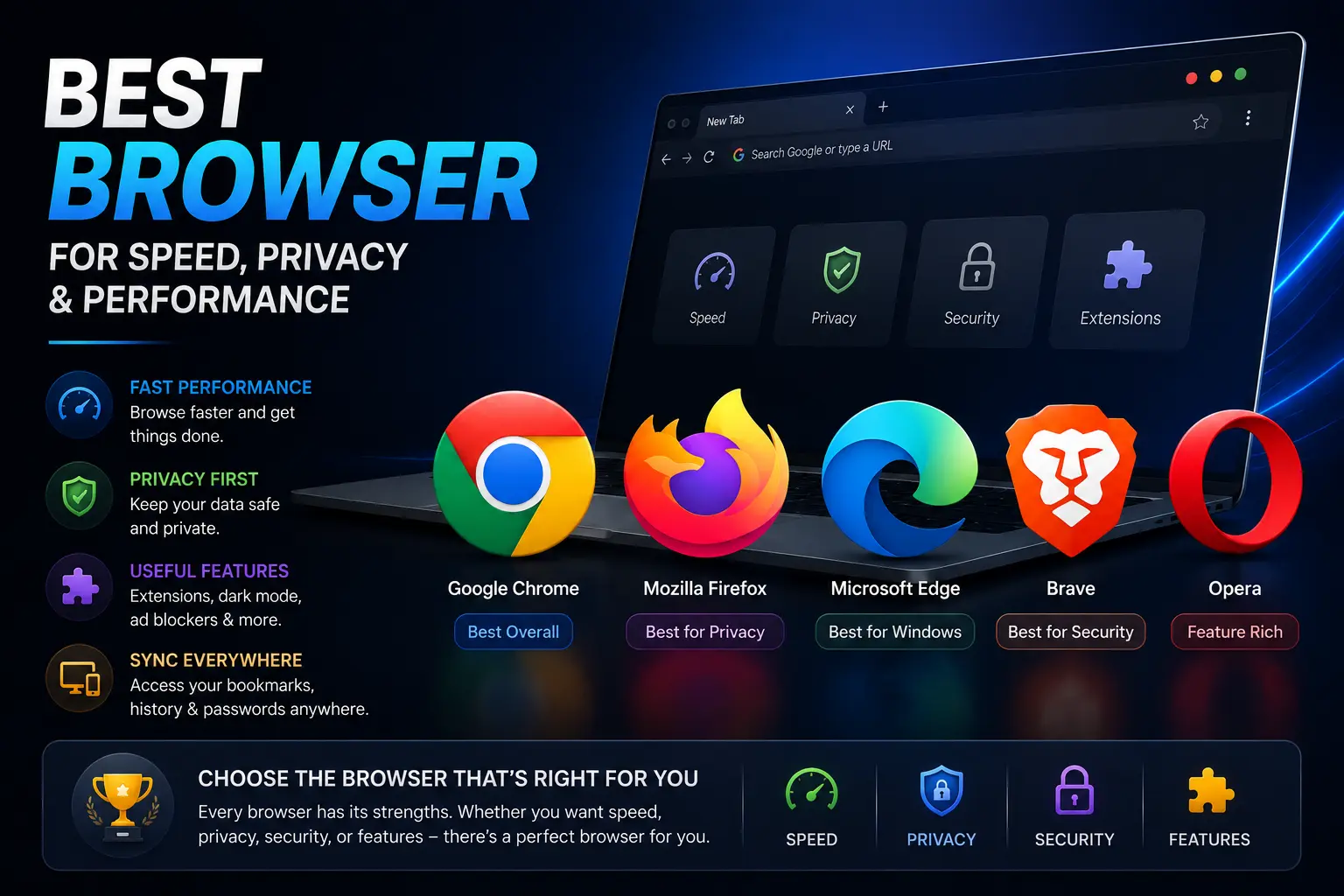
The Best Browser for Each Type of User
| If you care most about… | Best Pick | Why |
| Overall balance and habit | Google Chrome | Largest extension library, works everywhere, syncs seamlessly |
| Privacy by default | Brave | Blocks ads and trackers automatically, no configuration needed |
| Open-source and transparency | Mozilla Firefox | Non-profit backed, strong tracking protection, doesn’t monetize your data |
| Battery life on a laptop | Microsoft Edge | Sleeping Tabs and efficiency mode noticeably extend battery |
| Mac and iPhone users | Safari | Deepest integration with Apple devices, best battery performance on Mac |
| Maximum anonymity | Tor Browser | Routes traffic through encrypted relays to hide your identity and location |
Head-to-Head: Chrome vs. Firefox vs. Edge vs. Brave vs. Safari
Google Chrome
Chrome remains the most widely used browser in the world, and for good reason: it’s fast, compatible with virtually every website and extension, and syncs effortlessly if you’re already using Gmail, Google Drive, or an Android phone.
The tradeoff is data collection. Chrome is built by an advertising company, and by default it collects meaningful browsing data to support that business model. It’s also known for being relatively heavy on RAM, especially with many tabs open, which can slow down lower-end computers.
Best for: People who want maximum compatibility and don’t mind the privacy tradeoff.
Mozilla Firefox
Firefox is the last major browser built by a non-profit organization rather than a large advertising or hardware company, which shapes its whole approach. It includes strong built-in tracking protection, is fully open-source (meaning anyone can inspect its code for hidden behavior), and doesn’t rely on selling your data.
It has historically struggled with higher memory usage during long sessions, though recent versions have improved this significantly.
Best for: Users who want a genuinely privacy-respecting browser without switching to something unfamiliar.
Microsoft Edge
Edge is built on the same underlying engine as Chrome (called Chromium), so it supports the same extensions and loads websites the same way. Where it distinguishes itself is efficiency — features like Sleeping Tabs automatically free up memory from tabs you’re not actively using, which translates into real battery savings on laptops.
Edge also leans heavily into built-in AI features and Windows integration, which is a plus for Windows users and less relevant for everyone else.
Best for: Windows laptop users who want Chrome-level compatibility with better battery life.
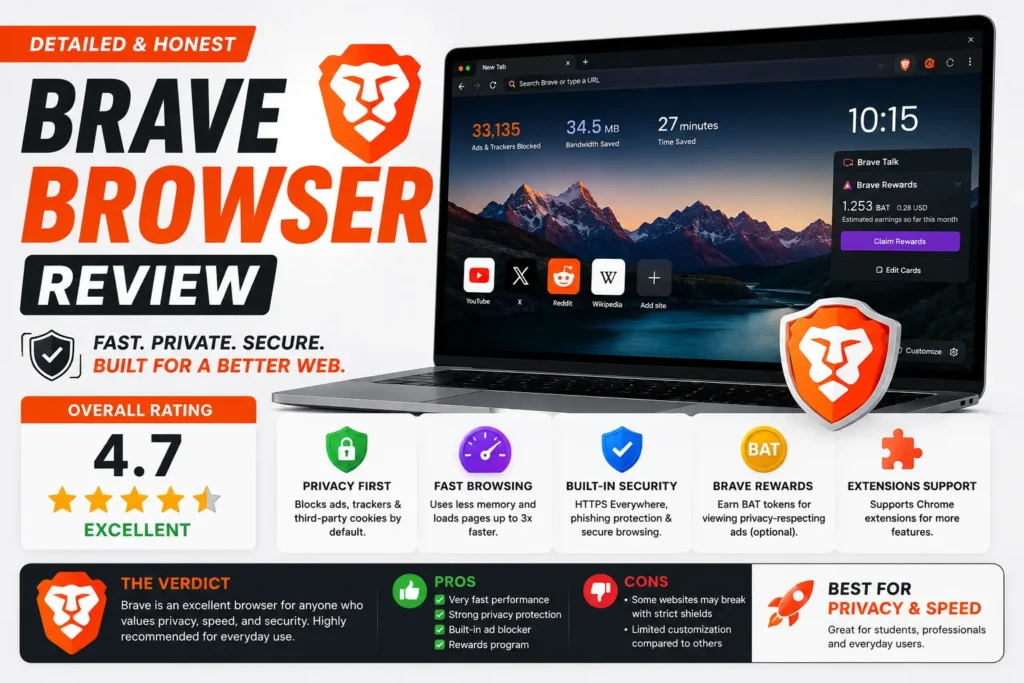
Brave
Brave blocks ads and trackers automatically the moment you install it — no settings menu required. It’s built on the same Chromium engine as Chrome, so extensions and websites behave identically, but with meaningfully less tracking happening in the background.
It also includes an optional rewards system that pays users a small amount for viewing privacy-respecting ads, though this is entirely opt-in and not required to use the browser.
Best for: Anyone who wants Chrome’s compatibility with privacy protection turned on by default.
Safari
Safari is only available on Apple devices, but for Mac and iPhone owners, it’s genuinely hard to beat on battery life and system efficiency, since it’s built specifically for Apple’s hardware. It also includes solid tracking prevention features and integrates tightly with iCloud for password and bookmark syncing.
Its biggest limitation is the flip side of that integration: Safari isn’t available on Windows or Android, so it’s a non-option if you use multiple platforms.
Best for: Users fully inside the Apple ecosystem who prioritize battery life.
The Best Web Browser for Privacy: A Closer Look
If privacy is your primary concern, it’s worth understanding that not all “private” claims mean the same thing.
- Private/Incognito browsing modes (available in every major browser) only stop your history from being saved locally on your device. They do not stop websites, your internet provider, or your network from tracking your activity.
- Built-in tracker blocking (Brave, Firefox) actively stops third-party scripts from following your activity across different websites, which is a meaningfully stronger form of protection.
- Tor Browser goes further still, routing your connection through multiple encrypted relays to make it difficult to trace activity back to your actual location, at the cost of noticeably slower page loading.
If you’ve been searching for the best web browser specifically for privacy, Brave or Firefox will cover the vast majority of everyday needs. Tor is worth using only if you have a specific reason to need stronger anonymity, since the speed tradeoff is real.
Speed and Resource Usage Compared
| Browser | Typical RAM Usage (many tabs) | Startup Speed | Battery Impact (laptop) |
| Chrome | High | Fast | Moderate-High |
| Firefox | Moderate | Fast | Moderate |
| Edge | Moderate | Fast | Low (with efficiency mode) |
| Brave | Moderate-High | Fast | Moderate |
| Safari (Mac only) | Low | Fast | Low |
These figures vary depending on your device, number of extensions installed, and number of open tabs, but the relative pattern holds fairly consistently across independent testing: Safari and Edge tend to be the most battery-conscious, while Chrome tends to use the most memory under heavy tab loads.
Common Mistakes People Make Choosing a Browser
- Assuming “private browsing” mode makes you anonymous online. It only clears local history — it does nothing to stop tracking by websites or your network.
- Installing too many extensions. Every extension adds a small amount of memory usage and a potential security risk, regardless of which browser you’re using.
- Switching browsers without moving your password manager first. Losing saved logins during a switch is one of the most common frustrations — export or sync your passwords before switching.
- Picking a browser based on brand loyalty alone. The “best” browser genuinely depends on your priorities, not which company you already use for other things.
- Ignoring update frequency. An outdated browser, regardless of which one, is a real security risk — always keep whichever browser you choose current.
Best Practices for Getting the Most Out of Any Browser
- Turn on automatic updates so security patches install without you having to remember.
- Review your installed extensions periodically and remove ones you no longer use.
- Set your default search engine deliberately — pairing a privacy browser with a tracking-heavy search engine undercuts much of the benefit.
- Use your browser’s built-in password manager or a dedicated one rather than reusing passwords across sites.
- If battery life matters to you, check whether your browser has an efficiency or “low power” mode and enable it.
Frequently Asked Questions
What is the best browser overall in 2026?
There isn’t a single universal answer — Chrome offers the broadest compatibility and sync, Brave and Firefox lead on privacy, and Edge or Safari lead on battery efficiency depending on your device. The right choice depends on which of those factors matters most to you.
What’s the best web browser for privacy?
Brave and Firefox are generally considered the best mainstream options for privacy, since both block trackers automatically without requiring manual setup. Tor Browser offers the strongest anonymity but with a real speed tradeoff.
Is Chrome still the best browser to use?
Chrome remains an excellent choice for compatibility, extension support, and cross-device syncing, but it collects more user data than privacy-focused alternatives and tends to use more memory than competitors.
Which browser uses the least battery on a laptop?
Safari (on Mac) and Microsoft Edge (on Windows, via its efficiency features) are generally the most battery-conscious mainstream browsers, since both include specific optimizations for reducing power draw from inactive tabs.
Is Firefox better than Chrome?
Firefox offers stronger built-in privacy protection and is backed by a non-profit rather than an advertising company, which appeals to privacy-conscious users. Chrome generally has broader extension support and marginally better raw speed on some benchmarks. Neither is objectively “better” — it depends on your priorities.
Do I need a separate private browser, or is one browser enough?
For most people, one well-configured browser with tracker blocking enabled is enough. A separate dedicated private browser (like Tor) is only necessary if you have a specific reason to need stronger anonymity than everyday tracker blocking provides.
Final Thoughts
There’s no single best browser that wins for everyone — the honest answer depends entirely on what you’re optimizing for. If you want maximum compatibility and don’t mind the data tradeoff, Chrome remains the safe default. If privacy matters more to you, Brave or Firefox will serve you better with almost no learning curve. And if you’re on a laptop where battery life is a daily concern, Edge or Safari (depending on your platform) will noticeably outlast the competition.
The best approach isn’t picking whichever browser is most popular — it’s matching the browser’s actual strengths to what you personally use the internet for most.