Every browser claims to care about your privacy somewhere in its marketing — but the best browser for privacy isn’t the one with the nicest privacy page, it’s the one whose actual business model and default settings back that claim up. A browser funded entirely by advertising has a structural incentive that a non-profit or subscription-funded browser simply doesn’t.
This guide ranks the strongest privacy-focused browsers by what they genuinely block out of the box, explains why a browser’s funding model matters more than most people realize, and — unlike most roundups — shows you exactly how to test your own browser’s privacy in a few minutes, so you’re not just taking any list’s word for it.
Table of Contents
Why a Browser’s Business Model Predicts Its Privacy
This is the piece most comparison articles skip, and it’s the single best predictor of how a browser will actually treat your data over time.
- Advertising-funded browsers (Chrome, and to a lesser extent Edge and Safari’s ad-supported ecosystem partners) have a built-in incentive to collect and use browsing data, because that data underpins the company’s core revenue.
- Non-profit-funded browsers (Firefox, via the Mozilla Foundation) are structured specifically to avoid that conflict of interest, since the organization isn’t primarily selling ads.
- Privacy-as-the-product browsers (Brave, DuckDuckGo Browser) build their entire reputation around blocking tracking, making privacy erosion a direct threat to their business rather than a side feature.
- Volunteer/community-maintained browsers (LibreWolf, Mullvad Browser) have no advertising revenue model at all, funded instead by donations, VPN subscriptions, or volunteer labor.
None of this guarantees perfect behavior forever, but it’s a genuinely useful filter: a browser whose company profits from advertising data has to work against its own incentives to protect your privacy, while a browser built specifically around privacy has to work against its own reputation to erode it.
The Best Privacy-Focused Browsers, Ranked
| Rank | Browser | Out-of-Box Protection | Funding Model | Best For |
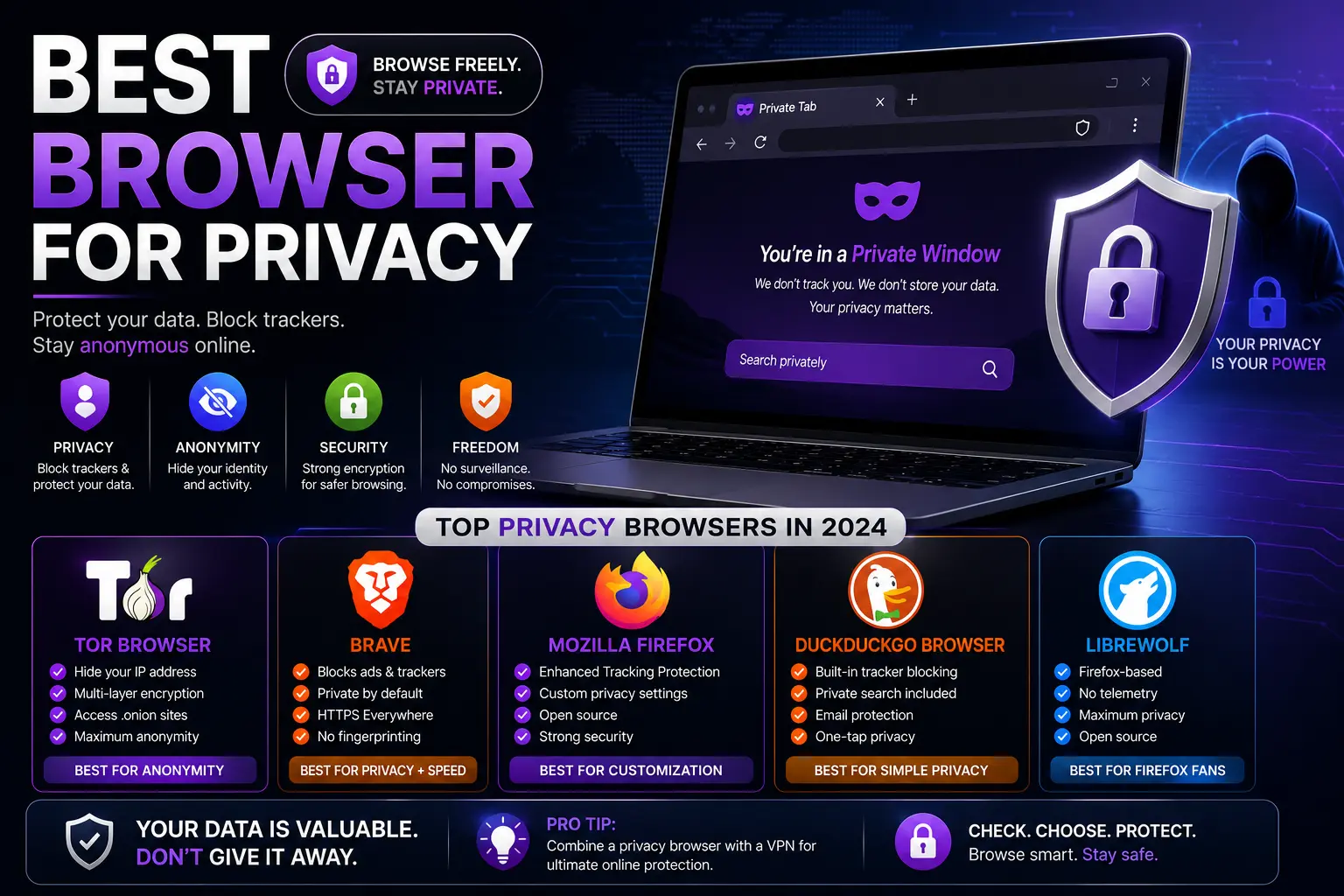
| 1 | Brave | Strong (automatic) | Optional ads (opt-in), search revenue | Daily driver, zero setup |
| 2 | Mullvad Browser | Strong (anti-fingerprinting) | Mullvad VPN + Tor Project | Advanced users wanting Tor-level fingerprinting resistance |
| 3 | LibreWolf | Strong (hardened Firefox) | Donations | Advanced users wanting a de-Googled Firefox |
| 4 | Tor Browser | Strongest (network anonymity) | Nonprofit (Tor Project) | Maximum anonymity, accepting a real speed tradeoff |
| 5 | DuckDuckGo Browser | Strong (automatic) | Private search ads | Beginners wanting zero-configuration privacy |
| 6 | Firefox (hardened) | Moderate by default, strong once configured | Nonprofit (Mozilla) | Users wanting an open-source mainstream option |
1. Brave
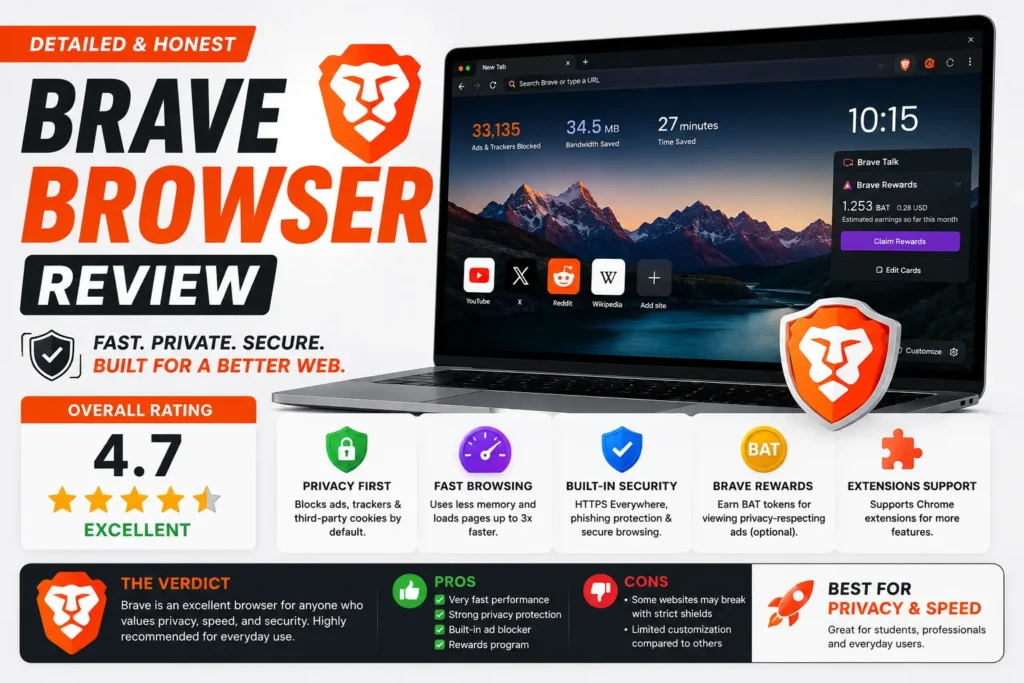
Brave blocks ads and trackers from the moment you install it, with genuinely no configuration required. It runs on the same Chromium engine as Chrome, so compatibility with extensions and websites is essentially identical, meaning you’re not trading functionality for privacy. Its optional ad-rewards program is opt-in only and doesn’t affect the browser’s default tracking protection.
2. Mullvad Browser
Built jointly by Mullvad VPN and the Tor Project, this browser applies the same anti-fingerprinting techniques found in Tor Browser but runs over your regular internet connection instead of the Tor network, making it noticeably faster. On its own it doesn’t hide your IP address — pairing it with a VPN completes that layer of protection.
3. LibreWolf
LibreWolf takes Firefox’s codebase and strips out telemetry while hardening the default privacy and security settings, distributed through F-Droid and GitHub rather than the more heavily monetized app stores. It requires more hands-on comfort than Brave or DuckDuckGo, but rewards that with a genuinely stripped-down, privacy-first version of a browser most people already find familiar.
4. Tor Browser
Tor remains the strongest option for genuine anonymity, routing your traffic through multiple volunteer-run encrypted relays to make tracing your activity back to your real identity or location extremely difficult. The tradeoff is real: pages load slower, and some sites actively block Tor traffic outright.
5. DuckDuckGo Browser
Built by the team behind the privacy-focused search engine, this browser automatically blocks hidden trackers and grades each site’s privacy practices for you, without asking you to configure a single setting. It’s the simplest entry point into privacy-focused browsing for someone with no technical background.
6. Firefox
Firefox’s default settings are only moderately private out of the box — genuine privacy requires manually setting Enhanced Tracking Protection to “Strict” and reviewing the telemetry options in settings. Once configured, it remains a fully capable, mainstream, non-profit-backed option with a large extension ecosystem most privacy-focused alternatives can’t match.
Test Your Own Browser’s Privacy (Don’t Just Trust a List)
Rather than relying entirely on any ranking — including this one — you can check exactly how your current browser handles tracking and fingerprinting yourself, in a few minutes, using free tools built specifically for this purpose:
- Cover Your Tracks (built by the Electronic Frontier Foundation) checks whether your browser blocks tracking ads and analytics, and how unique your browser’s fingerprint is compared to others.
- BrowserLeaks breaks down exactly what information your browser exposes — canvas fingerprinting, WebRTC IP leaks, font lists, and more — organized by individual test category.
- AmIUnique shows how distinguishable your specific browser configuration is from everyone else’s, which matters because a highly unique fingerprint can be tracked even without cookies.
Running your current browser through one or two of these tools takes only a couple of minutes and gives you a concrete, personal answer rather than a generic ranking — since your specific combination of extensions, screen size, and settings affects the result.
What “Private” Actually Means: Key Terms Explained
- Tracker — code embedded in a page or ad that reports your activity back to a company.
- Fingerprinting — identifying your browser based on details like screen resolution, fonts, and installed plugins, even without cookies.
- Telemetry — usage data a browser sends back to its own maker about how you use the app itself, separate from tracking by outside websites.
- First-party vs. third-party cookies — a first-party cookie is set by the site you’re actually visiting; a third-party cookie is set by an embedded ad or script from a different company, and is the main tool used for cross-site tracking.
Common Mistakes When Choosing a Privacy Browser
- Judging a browser purely by its marketing page. A privacy claim on a company’s homepage isn’t the same as verified, default behavior — test it yourself using the tools above rather than taking any single source’s word for it, including this article.
- Assuming Incognito or Private mode makes any browser private. These modes only stop local history from saving — they don’t block trackers or hide your activity from your network provider.
- Picking Tor for daily browsing out of habit. Its anonymity is powerful but genuinely unnecessary — and noticeably slower — for everyday use that a browser like Brave already covers well.
- Ignoring your search engine choice. Pairing a privacy-focused browser with a tracking-heavy default search engine undoes a meaningful part of the protection you just gained.
- Never reviewing installed extensions. Each additional extension is another piece of software with potential access to your browsing activity, regardless of how private the base browser is.
Best Practices for Real Browser Privacy
- Match the browser to your actual need: Brave or DuckDuckGo for everyday tracking protection, Tor or Mullvad Browser for genuine anonymity requirements.
- Run your browser through a fingerprinting test occasionally, especially after installing new extensions, since each addition can change how unique (and trackable) your setup is.
- Pair your browser with a privacy-respecting search engine rather than a tracking-heavy default.
- Add a reputable VPN if hiding your IP address from your network provider specifically matters — no browser alone accomplishes that on its own.
- Keep whichever browser you choose updated, since privacy patches are released on an ongoing basis and older versions can carry known gaps.
Frequently Asked Questions
What is genuinely the best browser for privacy?
Brave offers the strongest combination of automatic protection and everyday usability for most people. For stronger anonymity needs specifically, Tor Browser or Mullvad Browser go further, at some cost to speed and convenience.
Is Firefox actually a privacy-focused browser?
Firefox is built by a non-profit and includes real tracking protection, but its default settings aren’t as aggressive as Brave’s out of the box — genuine privacy with Firefox requires manually adjusting Enhanced Tracking Protection to “Strict.”
How can I check how private my current browser actually is?
Free tools like Cover Your Tracks (by the Electronic Frontier Foundation), BrowserLeaks, and AmIUnique let you test your specific browser setup for tracker blocking and fingerprinting resistance in a few minutes, rather than relying on general claims.
Does a browser’s funding model actually affect its privacy?
Yes, meaningfully. Browsers funded by advertising have a structural incentive to collect data that non-profit, subscription, or privacy-focused browsers generally don’t share, which is a genuinely useful lens for evaluating long-term trustworthiness beyond marketing claims.
Is Incognito mode a privacy-focused browser feature?
No. Incognito and similar private browsing modes only prevent your history from saving locally on your device — they don’t block trackers, hide your IP address, or resist fingerprinting the way a dedicated privacy-focused browser does.
Do I need a VPN in addition to a privacy-focused browser?
Yes, if hiding your IP address and location from your internet provider or network matters to you specifically. A privacy browser blocks trackers on the websites you visit; a VPN encrypts your connection and hides your IP address — they address different parts of the privacy picture.
Final Thoughts
The best browser for privacy isn’t necessarily the one at the top of every list — it’s the one whose actual defaults, business model, and test results back up its reputation, matched to what you actually need. Brave and DuckDuckGo Browser cover everyday tracking protection with zero setup, while Tor and Mullvad Browser go further for genuine anonymity needs. Whichever you choose, running it through a quick fingerprinting test yourself beats relying on any single ranking, including this one.