If you’ve searched for a private browser Android app, chances are you’ve already realized something important: the “Incognito” or “Private” mode built into Chrome doesn’t actually make you private. It only hides your history from other people using your phone — it does almost nothing to stop websites, advertisers, or your internet provider from tracking you.
A genuinely private browser is a different category of app entirely. It’s built from the ground up to block trackers, strip identifying data from your requests, and limit what companies can learn about you, every time you browse — not just in one special mode.
This guide breaks down exactly what makes a browser private, compares the strongest Android options available right now, and shows you the mistakes that quietly undo your privacy even when you’re using the right app.
Table of Contents
What “Private” Actually Means in a Browser
Before comparing apps, it helps to understand the terms you’ll see thrown around.
- Tracker — a small piece of code embedded in a webpage or ad that reports your activity back to a company, often without you noticing.
- Fingerprinting — a technique websites use to identify your phone based on details like screen size, installed fonts, and battery level, even if you’ve blocked cookies.
- Cookie — a small file a website saves on your device to remember you between visits. Not all cookies are bad, but third-party cookies are the main tool used for cross-site tracking.
- DNS (Domain Name System) — the system that translates a website address like “example.com” into the numeric address your phone actually connects to. Your DNS provider can see every site you visit unless it’s encrypted.
- HTTPS — the padlock-secured version of a website connection, which encrypts the data flowing between your phone and the site so it can’t easily be read by anyone snooping on the network.
A true privacy browser typically combines several of these protections: it blocks trackers automatically, resists fingerprinting, forces encrypted connections where possible, and doesn’t quietly send your browsing data back to its own parent company.
Why Chrome’s Incognito Mode Isn’t Enough
This is the single biggest misunderstanding people have. Incognito mode:
- Stops your browsing history from being saved locally on your phone.
- Does not stop websites from tracking you.
- Does not hide your activity from your Wi-Fi network, your mobile carrier, or your employer’s network.
- Does not block ad trackers by default.
Think of Incognito mode like closing a diary so your roommate can’t read it — it says nothing about whether the mailman is still reading your letters on the way to your mailbox. If real privacy is the goal, you need a browser engineered for it, not just a mode that avoids saving local history.
The Best Private Browser Android Options Compared
Here’s how the strongest options stack up against each other on the features that actually matter.
| Browser | Tracker Blocking | Fingerprint Protection | Built on Chromium/Firefox | Best For |
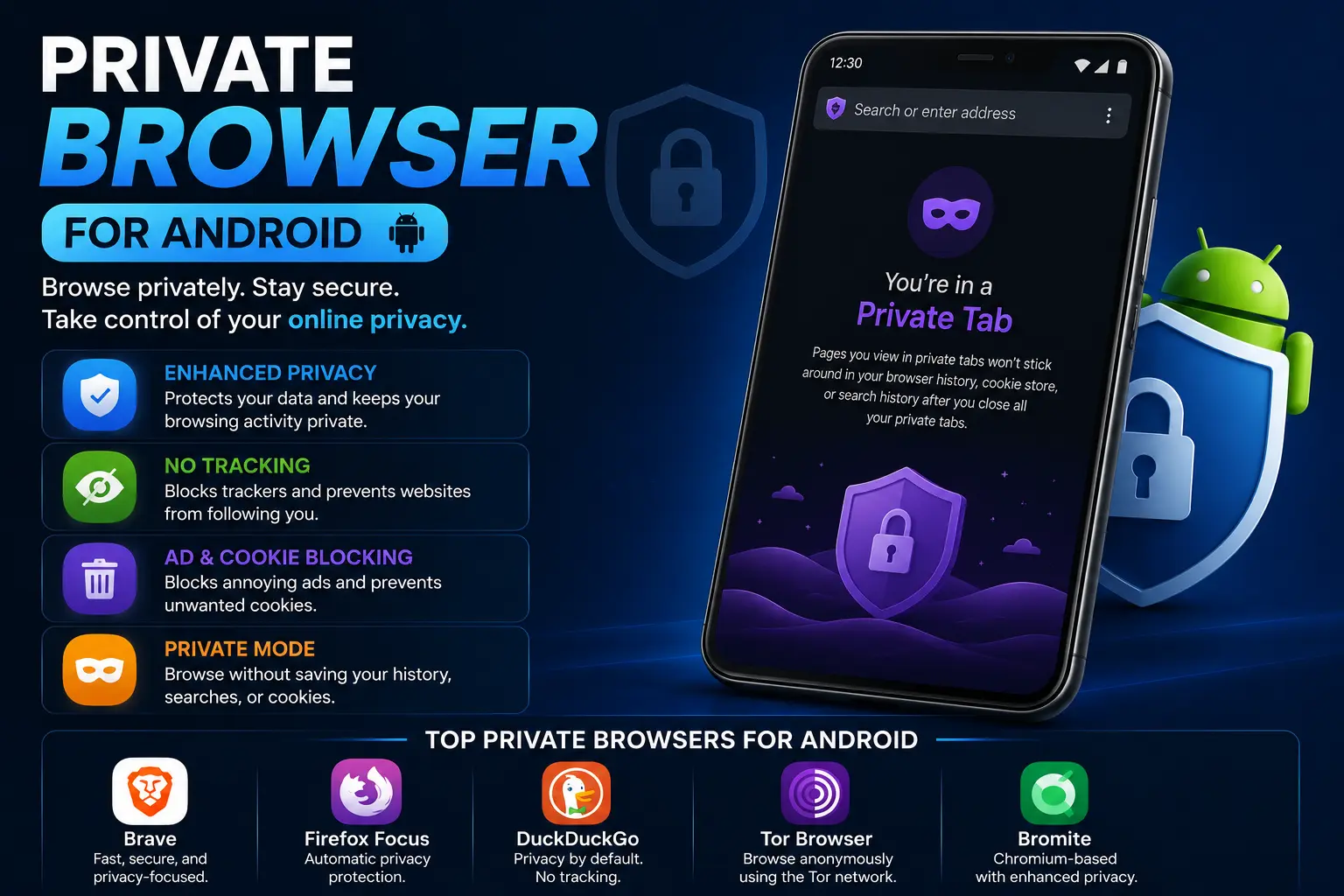
| Brave | Strong, on by default | Yes | Chromium | All-round daily use with ad blocking |
| Firefox Focus | Strong, on by default | Limited | Firefox (GeckoView) | Quick, disposable private sessions |
| DuckDuckGo Privacy Browser | Strong, on by default | Yes (via App Tracking Protection) | Chromium-based rendering | Simple, no-setup privacy |
| Tor Browser for Android | Strong + network-level anonymity | Yes | Firefox-based | Maximum anonymity, slower speeds |
| Mull Browser | Strong (uArkenne/Divest patches) | Yes | Firefox (de-Googled) | Advanced users wanting a de-Googled Firefox |
| Vanadium | Strong | Yes | Chromium (GrapheneOS default) | GrapheneOS phone owners |
| Opera (Private Mode) | Moderate | No | Chromium | Users who also want a built-in VPN |
1. Brave Browser
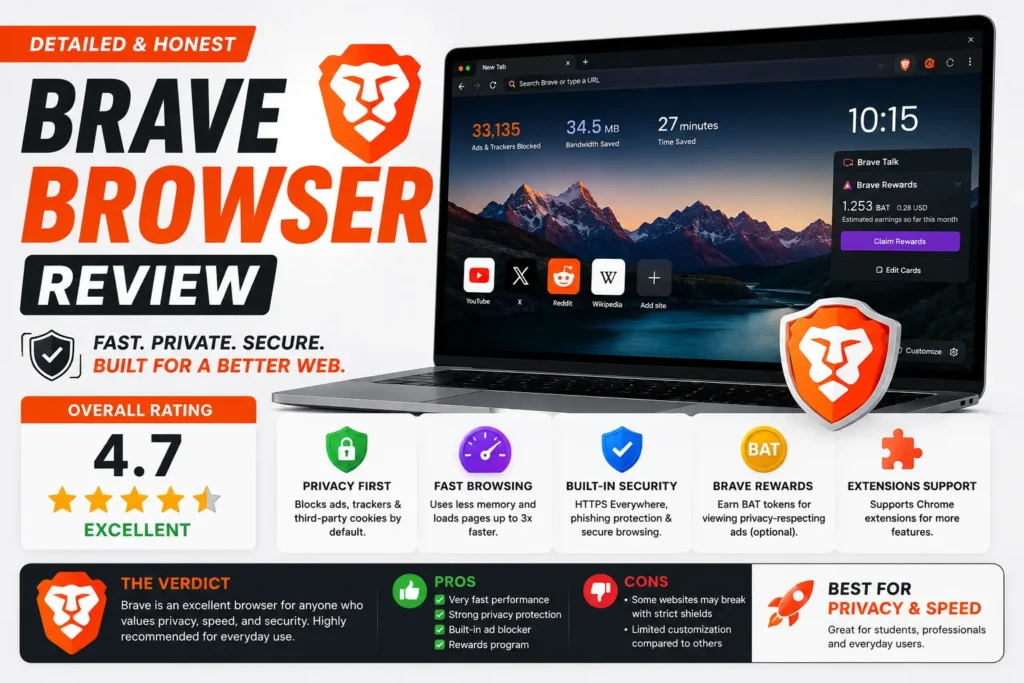
Brave blocks ads and trackers automatically the moment you install it, with no configuration needed. It’s built on the same underlying engine as Chrome, so most websites and extensions behave the same way you’re used to. It also includes a built-in Tor mode for individual private tabs when you want an extra layer of anonymity for a specific session.
2. Firefox Focus
Focus is intentionally minimal. There’s no tab bar, no bookmarks, no saved sessions — every session is private by default, and a single tap erases everything when you’re done. It’s a good fit for quick searches you don’t want lingering anywhere, though it’s less practical as your everyday full-time browser.
3. DuckDuckGo Privacy Browser
Built by the same company behind the privacy-focused search engine, this browser blocks hidden trackers automatically and shows you a letter grade for each site’s privacy practices. It’s one of the easiest options for beginners because it requires zero setup.
4. Tor Browser for Android
Tor routes your traffic through multiple encrypted relays, making it far harder for anyone to trace your browsing back to your actual location or identity. This is the strongest anonymity option on this list, but that extra protection comes at a real cost: pages load noticeably slower, and some sites actively block Tor traffic.
5. Mull Browser
Mull is a hardened, “de-Googled” fork of Firefox distributed through F-Droid rather than the Play Store. It strips out telemetry and applies privacy patches on top of Firefox’s engine, appealing to users who want more control than mainstream apps offer.
6. Vanadium
Vanadium ships as the default browser on GrapheneOS, a privacy-hardened Android operating system. If you’re already using GrapheneOS, Vanadium is the natural, tightly integrated choice; it’s not typically installed separately on standard Android.
7. Opera with Private Mode
Opera’s private tabs come bundled with a free built-in VPN, which is convenient if you want IP masking without installing a separate app. Its tracker blocking is decent but generally less aggressive than Brave or DuckDuckGo out of the box.
Best Android Browser for Privacy vs. Most Secure Browser: Are They the Same?
Not quite, and this trips people up. A browser can be excellent for privacy (blocking trackers, hiding your activity from advertisers) without being the most secure option against sophisticated attacks (malware, exploits, targeted hacking).
- Privacy-focused browsers like Brave and DuckDuckGo prioritize stopping data collection.
- Security-hardened browsers like Tor and Vanadium add extra protection against being identified or exploited, often at the cost of speed or convenience.
If your main concern is advertisers and data brokers, a privacy-focused browser is enough. If you have a specific reason to worry about targeted surveillance, lean toward Tor or a hardened option like Vanadium.
Common Mistakes That Undermine Your Privacy Browser
Installing a private browser app is only step one. These habits quietly cancel out the protection:
- Staying signed into Google or Facebook accounts while browsing. Being logged in lets that company track you across sites regardless of what browser you’re using.
- Ignoring app permissions. A browser with location or microphone access enabled by default can leak far more than cookies ever could.
- Using the same search engine that profiles you. Pairing a privacy browser with a tracking-heavy default search engine cancels out much of the benefit — switch your default search engine inside the browser’s settings to a private one.
- Skipping updates. Privacy and security patches ship constantly; an outdated private browser can have known, unpatched holes.
- Assuming “private” means “invisible.” No browser can fully hide your identity from a determined, resourced adversary — these tools reduce casual tracking, not guarantee total anonymity.
Best Practices for Real Privacy on Android
- Pick one browser as your daily driver and actually use its privacy settings, rather than switching apps without configuring any of them.
- Turn on “HTTPS-Only” mode if your browser offers it, so connections are encrypted whenever possible.
- Pair your browser with a privacy-respecting search engine (DuckDuckGo, Startpage, or Brave Search).
- Review and limit app permissions for your browser in Android’s Settings > Apps > Permissions.
- Consider a reputable VPN alongside your browser if hiding your IP address from your network provider matters to you — a browser alone can’t do that.
- Clear cookies and site data periodically, even in a privacy-focused browser, since some tracking still accumulates over time.
Frequently Asked Questions
What is the best private browser for Android?
Brave and DuckDuckGo Privacy Browser are generally considered the best all-around choices for most people, since both block trackers automatically with no setup required. Tor Browser is the better pick if you need stronger anonymity.
What is the most secure browser for Android?
Vanadium, available by default on GrapheneOS, and Tor Browser are typically ranked as the most security-hardened options, since both are built specifically to resist tracking and fingerprinting beyond what mainstream browsers offer.
Is DuckDuckGo really private on Android?
Yes, for most everyday purposes. It blocks hidden trackers automatically and doesn’t build an advertising profile from your searches, though like any browser it can’t hide your activity from your network provider without a separate VPN.
Is Chrome’s Incognito mode a private browser?
No. It only prevents your browsing history from being saved on your device. It doesn’t block trackers, doesn’t hide you from your internet provider, and doesn’t stop websites from fingerprinting your device.
Does using a private browser slow down my phone?
Not meaningfully for most options. Brave and DuckDuckGo tend to load pages faster than standard browsers because blocking ads and trackers reduces the amount of data each page has to load. Tor Browser is the exception — its routing method does noticeably reduce speed.
Do I still need a VPN if I use a private browser?
Yes, if hiding your IP address and location from your internet provider or network matters to you. A private browser blocks trackers on websites; a VPN encrypts your entire connection and hides your IP address — they solve different problems.
Final Thoughts
The right private browser Android app depends on what you’re actually trying to protect against. For most people, Brave or DuckDuckGo Privacy Browser offers strong, automatic protection with zero learning curve. If you need stronger anonymity for a specific reason, Tor Browser or a GrapheneOS setup with Vanadium goes further, at the cost of speed and convenience.
Whichever you choose, remember that the app is only half the equation — how you use it, what accounts you stay logged into, and which search engine you pair it with matter just as much as the browser itself.