
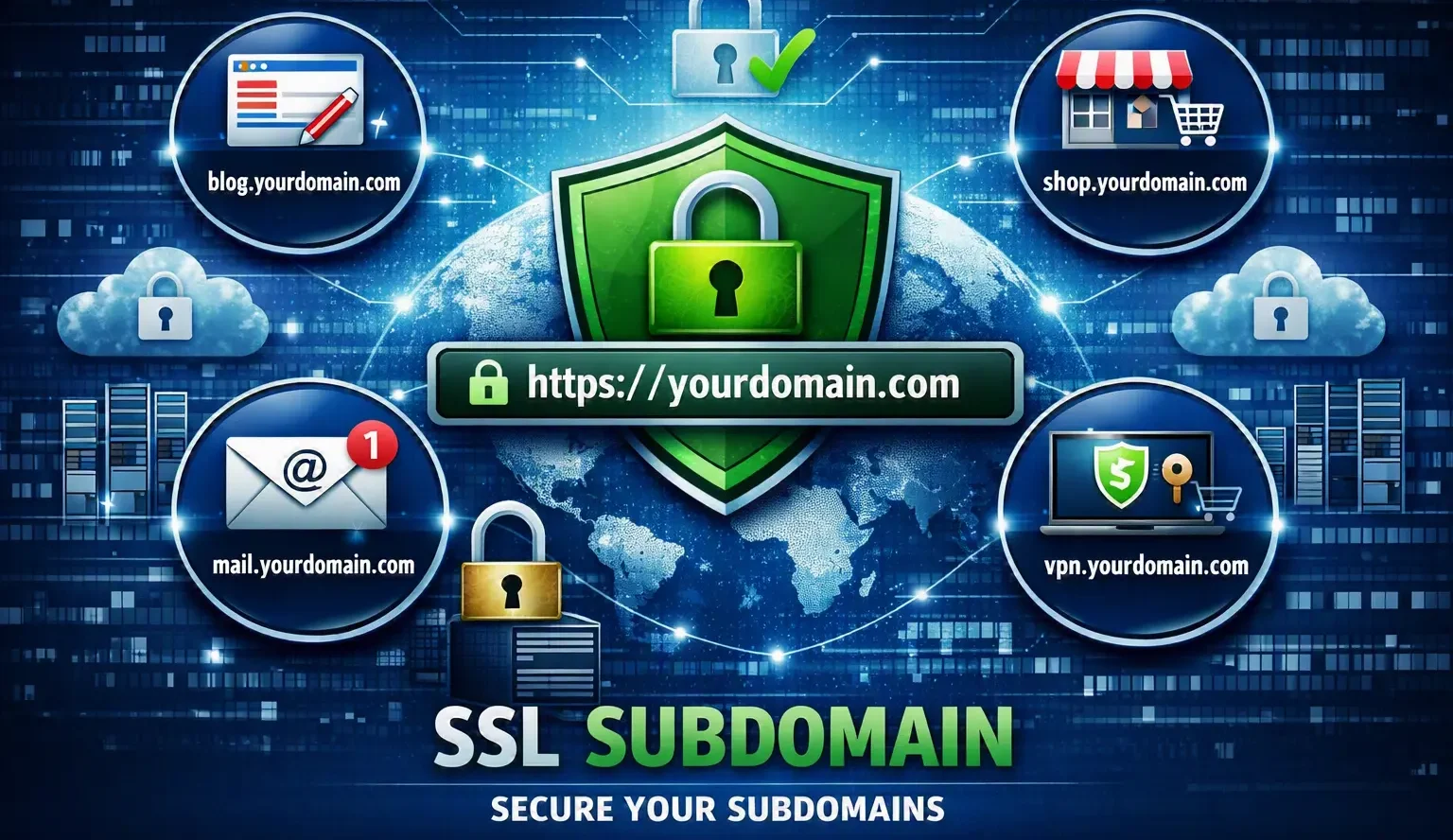
If you run a website with more than one subdomain — like blog.yoursite.com, shop.yoursite.com, or app.yoursite.com — you’ve probably asked yourself: does each one need its own SSL certificate, or does the certificate on my main domain automatically cover them?
This is one of the most common points of confusion in website security, and getting it wrong can leave part of your site unprotected, trigger scary browser warnings for visitors, or quietly hurt your SEO. This guide answers the SSL subdomain question completely — what it means, how certificates actually work across subdomains, and exactly how to secure every corner of your site correctly.
Table of Contents
What Is a Subdomain? (Quick Refresher)
A subdomain is a prefix added in front of your main domain name, used to organize a website into separate sections that can each function like their own mini-website.
For example, if your main domain is example.com, then:
- blog.example.com is a subdomain for your blog
- shop.example.com is a subdomain for your online store
- app.example.com is a subdomain for your web application
- mail.example.com is a subdomain for your email service
Each subdomain can point to a different server, run different software, and even be hosted in a completely different location — while still being part of the same brand. If you’re new to the concept, our guide on what is a subdomain breaks it down in more detail, and our comparison of subdomain vs subdirectory explains why businesses choose one structure over the other.
A subdomain is technically different from the root domain, and that distinction matters a lot once you start talking about SSL.
What Is an SSL Certificate?
An SSL certificate (technically called a TLS certificate today, though “SSL” is still the term everyone uses) is a small file installed on a web server that does two jobs:
- Encrypts the connection between a visitor’s browser and your server, so passwords, payment details, and other data can’t be intercepted.
- Verifies that the website belongs to who it claims to belong to, which is why browsers show a padlock icon next to secure sites.
Without a valid SSL certificate, browsers display a “Not Secure” warning, which damages trust and can scare visitors away instantly.
Does Every Subdomain Need Its Own SSL Certificate?
Yes — every subdomain needs to be covered by a valid SSL certificate, but that doesn’t necessarily mean you need to buy a separate certificate for each one.
This is the part most beginners misunderstand. A standard SSL certificate is issued for one exact hostname. That means a certificate for example.com does not automatically secure blog.example.com, shop.example.com, or any other subdomain — even though they share the same root domain.
Think of it like a building with a main entrance and several side doors. Having a security guard at the front door (your root domain) doesn’t mean the side doors (your subdomains) are automatically locked and monitored too. Each entrance needs its own protection, unless you specifically set up a system designed to cover all of them at once.
So the real question isn’t “does my subdomain need SSL” (it does) — it’s “how do I cover multiple subdomains without buying and managing a separate certificate for each one.” That’s exactly what the certificate types below solve.
Types of SSL Certificates for Subdomains
There are three main ways to get a subdomain SSL certificate, and choosing the right one depends on how many subdomains you have and how often you add new ones.
1. Single-Domain SSL Certificate
Covers exactly one hostname — either your root domain or one specific subdomain, but not both, and not any others.
- Example: A certificate issued for shop.example.com secures only that subdomain.
- Best for: Sites with just one domain or a single subdomain that needs protection.
2. Wildcard SSL Certificate
Covers your root domain plus every first-level subdomain using a single certificate. It’s issued for *.example.com, where the asterisk acts as a placeholder for any subdomain name.
- Example: One wildcard certificate for *.example.com secures blog.example.com, shop.example.com, mail.example.com, and any future subdomain you create — automatically, with no extra certificate needed.
- Best for: Businesses that use several subdomains now or plan to add more later.
- Limitation: A standard wildcard only covers one level. It secures blog.example.com but not dev.blog.example.com (a second-level subdomain), unless you use a multi-level wildcard.
3. Multi-Domain (SAN) SSL Certificate
Also called a SAN certificate (Subject Alternative Name), this type lets you list multiple specific hostnames — including unrelated domains and subdomains — on a single certificate.
- Example: One SAN certificate could cover example.com, blog.example.com, and even a completely different domain like example.net.
- Best for: Businesses managing a fixed, known list of domains and subdomains that doesn’t change often.
Comparison Table
| Certificate Type | Covers | Best For | Adding New Subdomains |
| Single-Domain | 1 exact hostname | One site or one subdomain | Requires a new certificate |
| Wildcard | Root domain + unlimited first-level subdomains | Growing sites with several subdomains | Automatic — no new certificate needed |
| Multi-Domain (SAN) | A specific list of chosen hostnames/domains | Fixed set of domains and subdomains | Requires reissuing the certificate |
How to Get an SSL Certificate for a Subdomain
Here’s the practical process, step by step.
Step 1: Confirm the subdomain is correctly set up. Your subdomain needs its own DNS record (usually a CNAME or A record) pointing to the correct server before a certificate can be issued for it. If you haven’t created the subdomain yet, see our guide on how to create a subdomain.
Step 2: Decide how many subdomains you need to cover. One subdomain now, but expect more later? Go wildcard. Just one subdomain, permanently? A single-domain certificate is simpler and often free.
Step 3: Choose a certificate authority (CA).
- Free option: Let’s Encrypt is the most widely used free CA and supports both single-domain and wildcard certificates. Most modern hosting control panels (cPanel, Plesk, etc.) can issue and renew these automatically.
- Paid option: Providers like DigiCert, Sectigo, or GoDaddy offer wildcard and SAN certificates with extended validation options and dedicated support, often preferred by larger businesses.
Step 4: Complete domain validation. The CA needs proof you control the domain — usually by adding a DNS TXT record or an HTTP file to your server. Wildcard certificates almost always require DNS validation rather than file-based validation.
Step 5: Install the certificate on the server hosting that subdomain. If your subdomain is hosted on a different server than your main site, the certificate must be installed there specifically — a certificate sitting on your main server doesn’t help a subdomain hosted elsewhere.
Step 6: Set up auto-renewal. SSL certificates expire (Let’s Encrypt certificates last 90 days; commercial ones typically last 1 year). An expired certificate breaks HTTPS instantly, so automated renewal is strongly recommended.
Wildcard vs. Multiple Single Certificates: A Real-World Example
Imagine a SaaS company with this setup:
- www.example.com — marketing site
- app.example.com — the actual product
- api.example.com — API endpoint
- status.example.com — status page
- docs.example.com — documentation
Managing five separate single-domain certificates means five renewal schedules, five validation processes, and five points of failure. One expired certificate on api.example.com could break the entire application for customers.
A single wildcard certificate for *.example.com solves this instantly — one certificate, one renewal date, and every current and future first-level subdomain is automatically covered. This is why wildcard certificates are the standard choice for growing platforms and SaaS products.
Common Mistakes with SSL on Subdomains
- Assuming the root domain’s certificate covers subdomains. It doesn’t, unless it’s specifically a wildcard or SAN certificate.
- Forgetting nested subdomains. A wildcard for *.example.com does not cover dev.staging.example.com — that’s a second-level subdomain and needs its own coverage.
- Letting certificates expire silently. This is the single most common cause of sudden “Not Secure” warnings.
- Mixed content errors. Even with a valid certificate, a subdomain can show as insecure if it loads images, scripts, or stylesheets over plain HTTP instead of HTTPS.
- Installing the certificate on the wrong server. If a subdomain is hosted separately (common with third-party tools or a separate fully qualified domain name setup), the certificate has to be installed there too.
Best Practices for Managing SSL Across Subdomains
- Use a wildcard certificate if you have three or more subdomains, or expect to add new ones over time.
- Enable auto-renewal wherever possible to avoid downtime from expired certificates.
- Force HTTPS redirects on every subdomain, not just the main domain.
- Regularly audit all active subdomains — including old or forgotten ones — since an unsecured, forgotten subdomain is a common security gap.
- If subdomains are hosted with different providers, track certificate expiry dates in one central place.
SSL Subdomains and SEO
Google uses HTTPS as a lightweight ranking signal, and it applies per hostname — meaning each subdomain is evaluated for security independently, similar to how subdomains can be treated as somewhat separate entities in subdomain SEO. A secured main domain with an unsecured subdomain can still hurt trust signals and user experience on that specific section of your site. If you’re weighing structural decisions for SEO, it’s also worth understanding the broader difference in our domain vs subdomain comparison, and how URL structure itself plays into rankings in our guide to URL SEO.
Frequently Asked Questions
Does a subdomain need a separate SSL certificate from the main domain? Yes, by default. A certificate issued for the root domain does not automatically secure subdomains unless it’s a wildcard or multi-domain certificate that explicitly includes them.
Can one SSL certificate cover multiple subdomains? Yes. A wildcard certificate (*.example.com) covers unlimited first-level subdomains, and a multi-domain (SAN) certificate can cover a specific list of subdomains and domains you choose.
Is Let’s Encrypt SSL good enough for subdomains? Yes, for most websites. Let’s Encrypt issues free, browser-trusted certificates for both single subdomains and wildcards, and is used by millions of websites, including many large platforms.
Does a wildcard SSL certificate cover second-level subdomains? No. A standard wildcard for *.example.com covers blog.example.com but not dev.blog.example.com. Covering a second-level subdomain requires either a separate certificate or a multi-level wildcard setup.
What happens if a subdomain doesn’t have SSL? Visitors will see a “Not Secure” warning in their browser, data sent to that subdomain won’t be encrypted, and it can negatively affect trust and SEO for that section of the site.
Is a subdomain SSL certificate free? It can be. Let’s Encrypt offers free certificates for both individual subdomains and wildcards. Paid certificates from commercial CAs add features like extended validation or dedicated warranties, but aren’t required for standard encryption.
Final Thoughts
Every subdomain is treated as its own hostname by SSL certificates, which means a subdomain is never automatically secure just because your main site is. The good news is that a single wildcard certificate can cover your entire subdomain structure with almost no ongoing effort, making it the practical choice for most growing websites.
If you’re still deciding how to structure your site, understanding the fundamentals of a URL and its component parts can help clarify exactly where a subdomain fits — and how it differs from a subdomain vs subfolder approach when planning your site’s architecture.


