
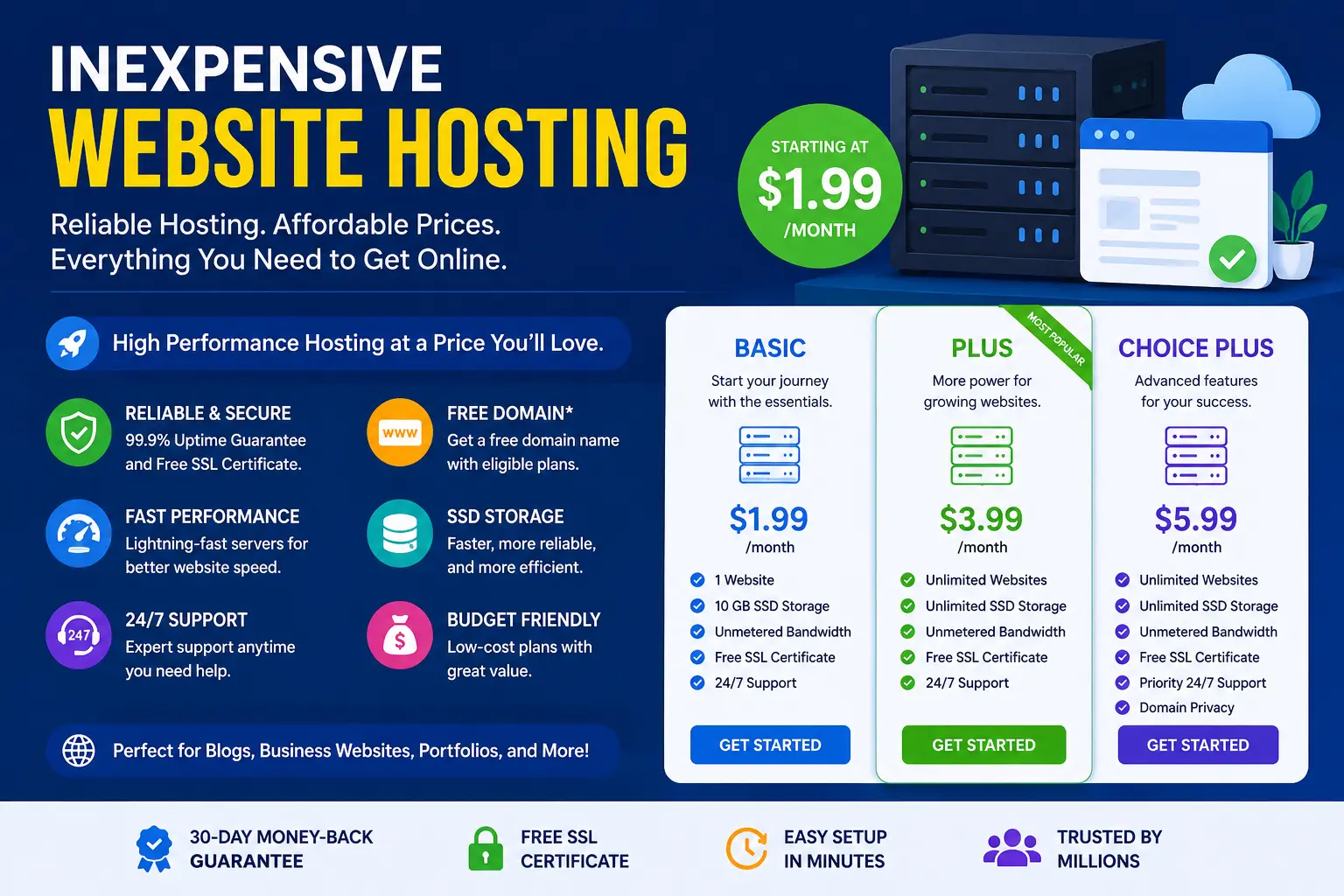
Finding inexpensive website hosting is easy. Finding inexpensive hosting that doesn’t slow your site down, crash during traffic spikes, or bury you in renewal fees is the actual challenge.
Hosting companies advertise plans for a few dollars a month, but the sticker price rarely tells the whole story. This guide explains exactly what you’re paying for, what “cheap” should and shouldn’t mean, and how to pick a plan that stays affordable without hurting your website’s performance.
We’ll cover the different types of hosting, a transparent breakdown of what affects price, the traps that turn a cheap plan into an expensive mistake, and a practical decision framework based on what kind of website you’re actually running.
Table of Contents
What “Inexpensive” Really Means in Web Hosting
Web hosting is the service that stores your website’s files on a server and makes them accessible to visitors online. Every website — from a personal blog to a large online store — needs a host.
Price differences between hosting plans usually come down to how much server power you get and how many other websites share that power with you. A truly inexpensive plan isn’t just the lowest number on a pricing page. It’s a plan where the price matches what your website actually needs — nothing more, nothing wasted.
A $2/month plan built for a portfolio site is genuinely inexpensive. The same $2/month plan under an online store getting 5,000 daily visitors is not inexpensive — it’s undersized, and the resulting downtime or lost sales will cost far more than the money saved.
Types of Hosting, from Cheapest to Most Expensive
Understanding hosting types is the fastest way to judge whether a “cheap” plan is actually a good deal.
| Hosting Type | Typical Monthly Cost (USD) | How It Works | Best For |
| Shared Hosting | $2–$10 | Your site shares one server’s resources with hundreds of other sites | Blogs, portfolios, small business sites, early-stage projects |
| WordPress Hosting | $3–$15 | Shared or optimized servers pre-configured specifically for WordPress | WordPress sites of any size wanting easier setup |
| VPS (Virtual Private Server) | $10–$50 | A slice of a server reserved just for your site, with guaranteed resources | Growing sites, small stores, sites with traffic spikes |
| Cloud Hosting | $10–$100+ | Resources pulled from a network of servers that scale automatically | Sites with unpredictable or fast-growing traffic |
| Dedicated Hosting | $80–$300+ | An entire physical server reserved for one website | Large stores, high-traffic sites, custom applications |
For most beginners and small businesses, shared hosting or WordPress hosting delivers the best balance of low cost and real usability. VPS becomes worth the extra cost once a site regularly gets thousands of monthly visitors or handles online payments.
Why shared hosting is the cheapest option
Shared hosting works like an apartment building. One server (the building) houses many websites (the apartments), and everyone splits the cost of the building’s electricity, water, and maintenance — in this case, the server’s processing power, storage, and bandwidth.
This is why shared hosting is the cheapest website host option available. The tradeoff: if another site on the same server experiences a traffic spike or a security issue, it can occasionally affect performance for neighboring sites too.
What Actually Affects the Price of Website Hosting
Before comparing cheap website hosting plans, know which factors genuinely change the cost — and which ones are just marketing.
- Server resources — CPU, RAM, and storage allotted to your site. More resources cost more because the host is reserving actual hardware capacity for you.
- Uptime guarantee — hosts that promise 99.9%+ uptime typically invest more in server redundancy, which affects price.
- Included features — a free domain, free SSL certificate, daily backups, and a website builder add value, but hosts sometimes inflate list prices to make these “included extras” look like bigger savings.
- Support quality — 24/7 live chat with knowledgeable staff costs the hosting company more to provide than email-only support with long response times.
- Contract length — most rock-bottom prices only apply when you prepay for 1–3 years upfront. Monthly billing is almost always more expensive per month.
The renewal price trap
This is the single biggest hidden cost in cheap hosting, and it’s worth understanding in detail.
Hosting companies commonly advertise an introductory price — say, $2.99/month — that only applies to your first billing term, often locked in by paying for 12, 24, or 36 months upfront. When that term ends, the plan renews at the regular price, which can be two to four times higher.
Example: A plan advertised at $2.99/month for a 3-year prepaid term might renew at $9.99/month once that term ends. You paid roughly $108 upfront for three years, but your next term costs about $360 for the same three years — over triple the original price.
This isn’t necessarily a scam; it’s a standard industry pricing model. The mistake is not checking the renewal rate before signing up, then being surprised when the bill arrives.
How to Choose Cheap Hosting Without Hurting Your Website
Follow this sequence to land on a plan that’s genuinely affordable rather than just cheap upfront.
Step 1: Match the plan to your website type
- Personal blog or portfolio: Basic shared hosting is enough.
- Small business site: Shared or entry-level WordPress hosting with daily backups.
- Online store: VPS or hosting plans specifically built for e-commerce, since payment processing and product pages need more consistent performance.
- High-traffic content site: Cloud hosting, which scales resources automatically during traffic surges.
Step 2: Check the real renewal price
Before entering payment details, find the host’s regular (non-promotional) monthly rate. Multiply it by 12 to see your realistic annual cost after year one.
Step 3: Confirm what’s actually included
Look specifically for:
- A free SSL certificate (needed for the padlock icon and for Google to trust your site — paid separately, it can cost $10–$70/year)
- Storage and bandwidth limits — “unlimited” often has fine-print restrictions for unusually high-traffic sites
- Backup frequency — daily automatic backups matter far more than most beginners realize
- Migration support — free migration saves both time and money if you’re moving from another host
Step 4: Read recent, independent reviews
Marketing pages will always describe a host positively. Search for reviews from the last 6–12 months specifically, since hosting quality (server speed, support responsiveness) can change after a company is acquired or scales rapidly.
Step 5: Test the support before committing, if possible
Many hosts offer live chat before you even sign up. Ask a specific technical question. A slow, generic, or scripted response is a preview of what support will look like after you’re already a paying customer.
Common Mistakes When Buying Cheap Website Hosting
- Choosing based on the homepage price alone, without checking the renewal rate.
- Ignoring uptime guarantees. A site that’s down even 1% of the time is offline for over 3.5 days a year — costly for any business site.
- Underestimating traffic needs, especially for sites planning to run ads, promotions, or seasonal sales that spike visits.
- Skipping backups to save money. Recovering a hacked or corrupted site without a backup can cost far more in developer time than a backup add-on ever would.
- Overlooking the cancellation and refund policy. Some cheap hosts charge a “deactivation fee” or make cancellation deliberately difficult.
- Assuming cheaper always means worse. Some genuinely well-run, budget-friendly hosts exist — the goal is verifying quality, not assuming price alone reflects it.
Best Practices for Getting the Most From an Affordable Hosting Plan
- Start with a shorter term if you’re unsure, even if annual pricing looks better per month. A 12-month plan limits how much you lose if the host doesn’t meet expectations.
- Enable your free SSL certificate immediately after setup — it’s often not activated by default.
- Set a calendar reminder before renewal so the price increase never catches you off guard.
- Monitor your site’s loading speed using a free tool like Google PageSpeed Insights after launch, since slow-loading pages hurt both user experience and search rankings.
- Upgrade proactively, not reactively. If your traffic is steadily growing, move to a higher tier before performance problems start, not after.
Inexpensive Website Hosting vs. Free Hosting
It’s worth addressing directly: free hosting exists, but it isn’t the same category as inexpensive hosting.
| Factor | Free Hosting | Inexpensive Paid Hosting |
| Custom domain (yourname.com) | Usually not included | Often included free for year one |
| Ads on your site | Frequently forced by the provider | None |
| Uptime reliability | Often inconsistent | Backed by a guarantee |
| Support | Minimal or community-only | Live chat or email support |
| Suitable for business use | Rarely | Yes |
For anything beyond a personal experiment, a low-cost paid plan is almost always the better long-term choice over free hosting.
Frequently Asked Questions
What is the cheapest website hosting for small business?
Shared hosting or entry-level WordPress hosting plans are the cheapest realistic option for small businesses, typically ranging from $3–$10 per month. The right choice depends on expected traffic and whether the site needs e-commerce features.
Is cheap website hosting reliable?
It can be, but reliability depends on the specific host, not the price tag alone. Check the uptime guarantee, read recent reviews, and confirm the plan includes enough resources for your expected traffic before assuming a low price means poor quality.
How much should I really expect to pay for website hosting?
Most small websites can run well on plans between $3 and $15 per month after the introductory discount period ends. Larger or high-traffic sites should budget $15–$50 per month for VPS or cloud hosting.
Does cheap hosting affect my site’s Google rankings?
Indirectly, yes. Search engines factor in page speed and uptime. A hosting plan that’s too underpowered for your traffic can slow load times or cause downtime, both of which can hurt rankings over time.
Can I switch hosts later if I outgrow a cheap plan?
Yes. Most hosts, including budget ones, offer migration tools or free migration assistance to move an existing site to a higher-tier plan without starting from scratch.
Is a free domain included with inexpensive hosting plans?
Many hosts include a free domain for the first year with an annual or multi-year plan. Check whether the domain renews at a standard rate afterward, since domain renewal pricing is separate from hosting renewal pricing.
Final Thoughts
Inexpensive website hosting isn’t about finding the lowest number on a pricing page — it’s about matching the plan’s resources, reliability, and included features to what your website actually needs, at a price that stays reasonable after the first billing cycle ends.
Start by identifying your website type and expected traffic, verify the renewal price before signing up, and confirm the essentials — SSL, backups, and support — are genuinely included. Do that, and “cheap” and “reliable” stop being opposites.


